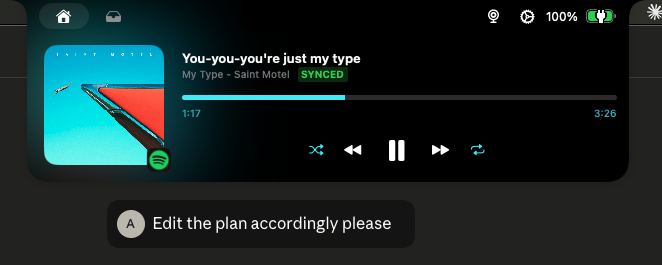
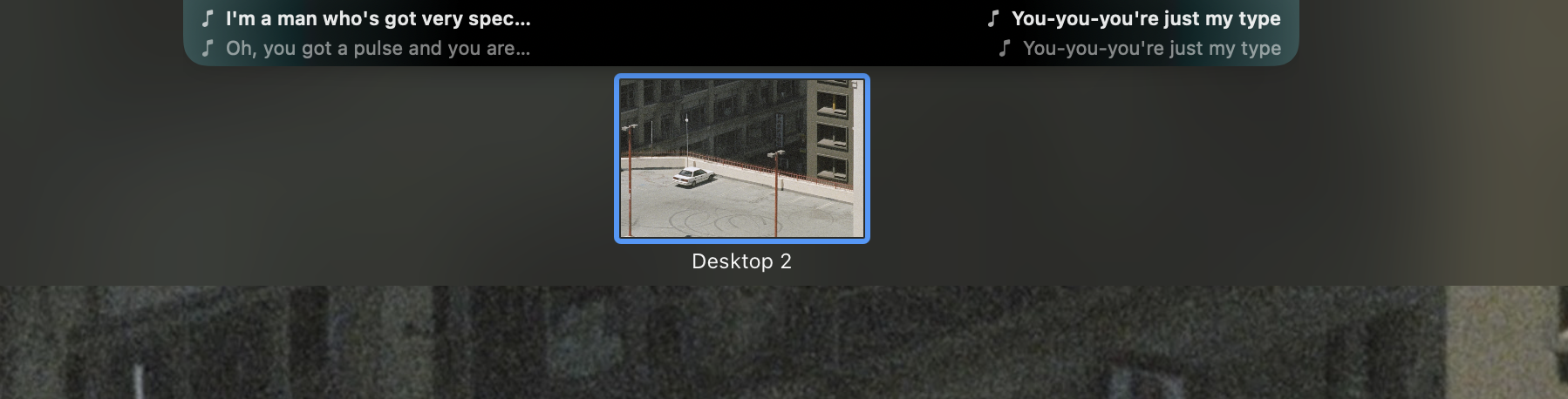
Live, synced lyrics for Spotify, Apple Music, and YouTube Music. Right where the notch is.
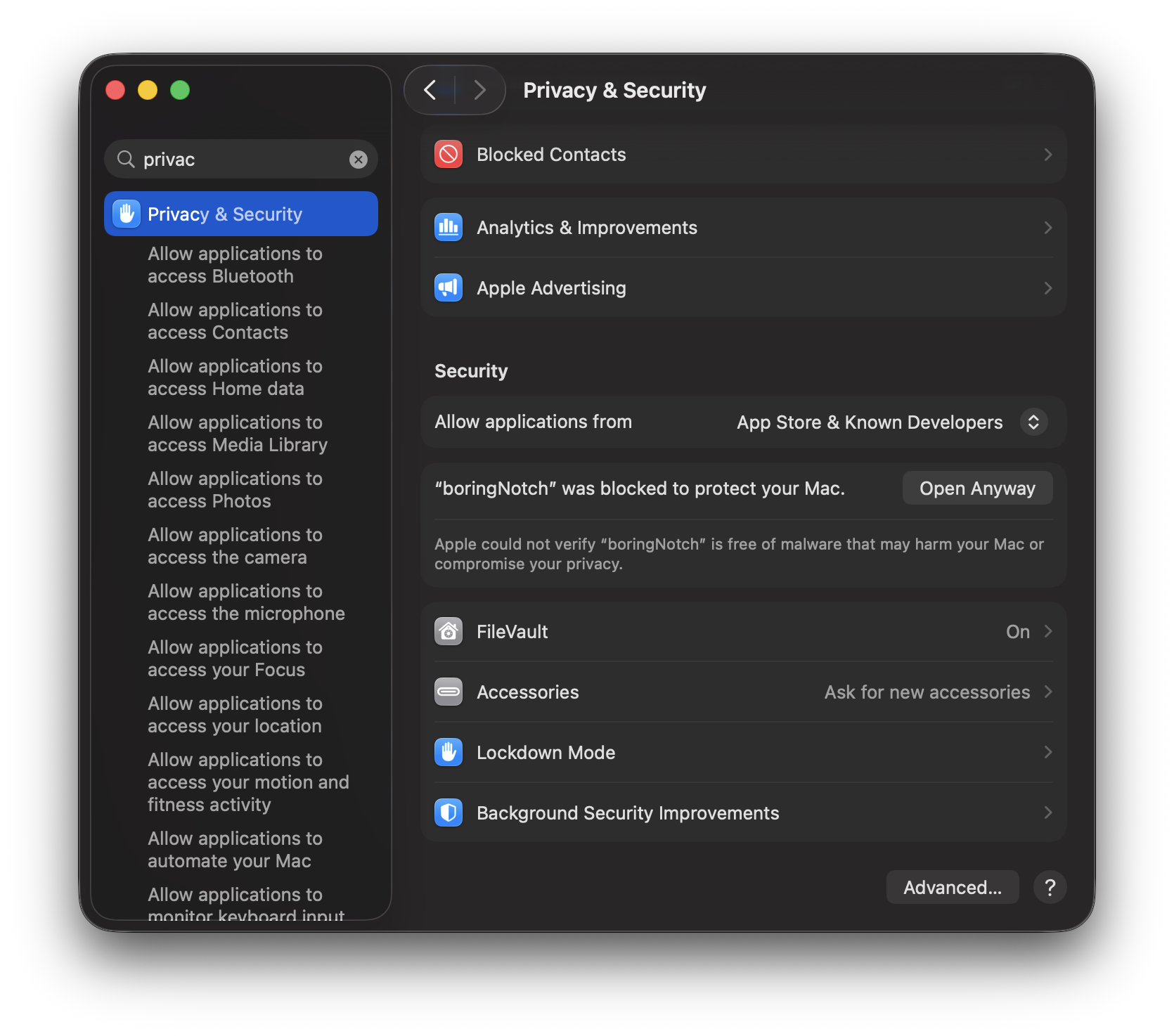
The build isn't notarized yet, so macOS blocks it on first launch. See how to open it below. Once it's running, hit ⌘⇧Y to toggle lyrics any time.
Synced line-by-line to playback via LRCLIB.
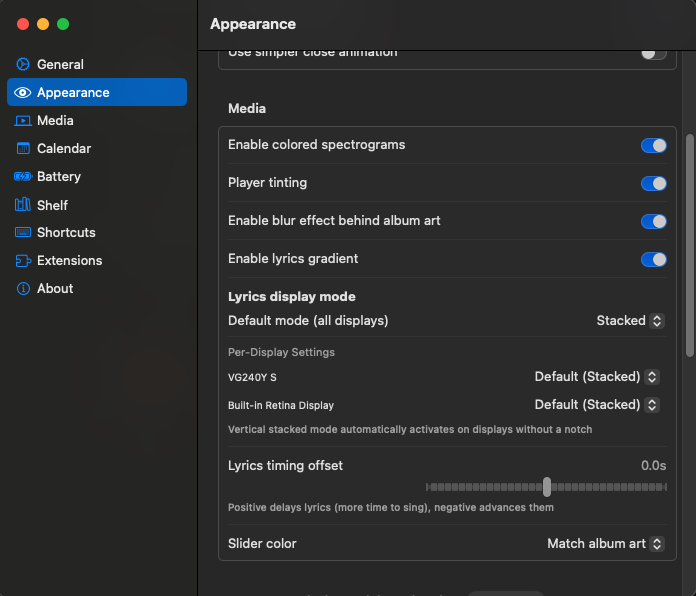
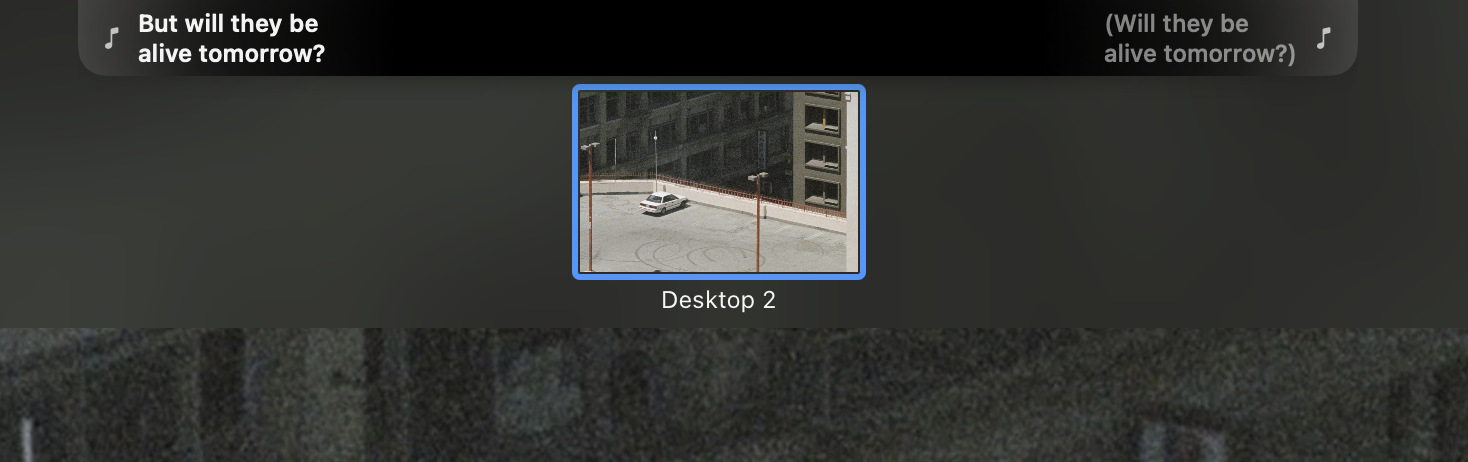
Flowing, alternating, or stacked. Pick per monitor.
Spotify, Apple Music, and YouTube Music.
Install Boring Notch Lyrics, play a song in Spotify, Apple Music, or YouTube Music, and press ⌘⇧Y. The lyrics scroll in the notch, synced line by line to playback.
Synced lyrics come from LRCLIB, an open database of time-stamped lyrics.
Yes. It's free and open source under GPL-3.0.
macOS 14 Sonoma or later, on Apple Silicon or Intel Macs.
It's Boring Notch by TheBoredTeam with synced lyrics added, plus three lyric display modes you can set per monitor.
The build isn't notarized yet. Open System Settings, Privacy & Security, and click Open Anyway next to the boringNotch message. You only need to do it once.
Free. Open source. One download.